
01LOCAL ENCRYPTION
Your vault lives on your iPhone.
Sablefold creates encrypted copies on-device. No Sablefold account, no developer cloud, and no server-side media processing.
✦
Encrypted storage
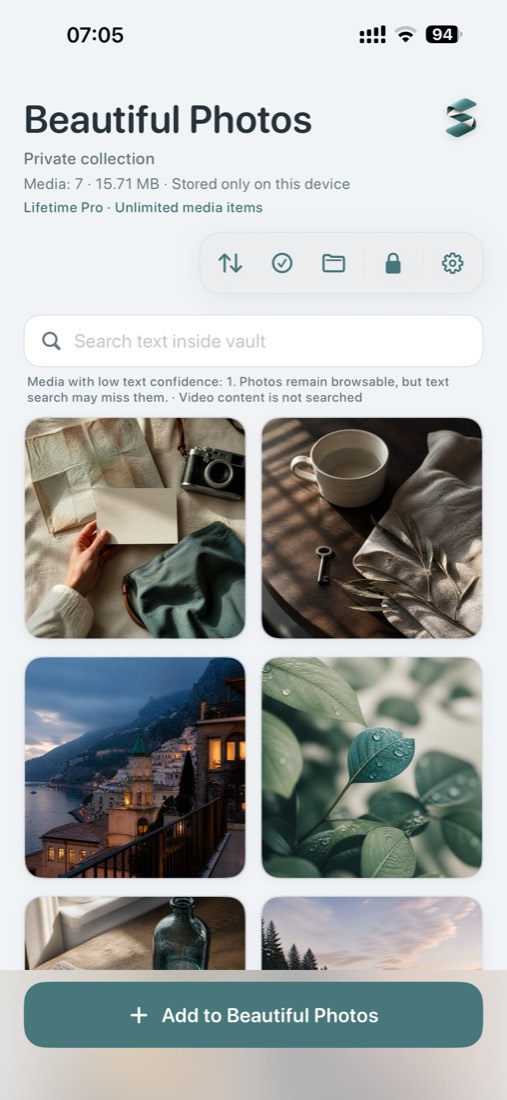
Sablefold keeps selected photos, Live Photos and videos in an encrypted vault on your iPhone. Find visible text with on-device OCR, then create a safer copy before it leaves your hands.
THE THREE-PART WORKFLOW
A focused vault for the moments when keeping something private, finding it later, and sharing it carefully all matter.
Sablefold creates encrypted copies on-device. No Sablefold account, no developer cloud, and no server-side media processing.
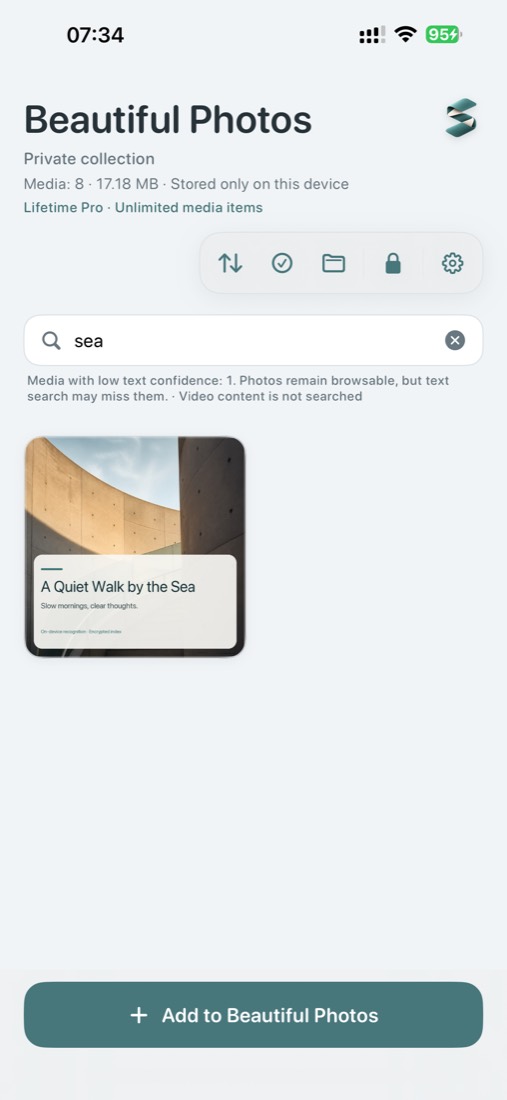
Search visible text in photos and Live Photo stills with recognition that runs on your device. The index is encrypted per collection.
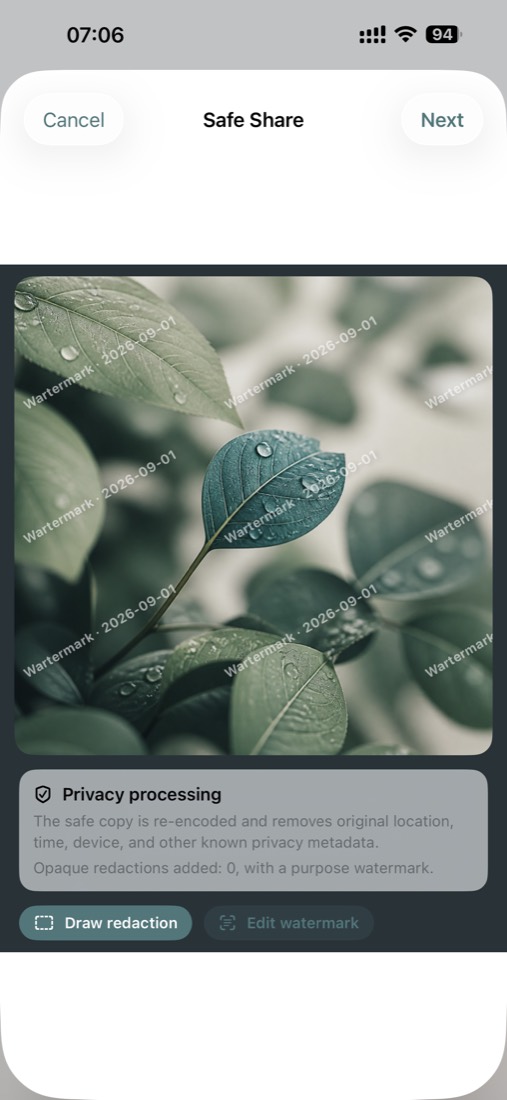
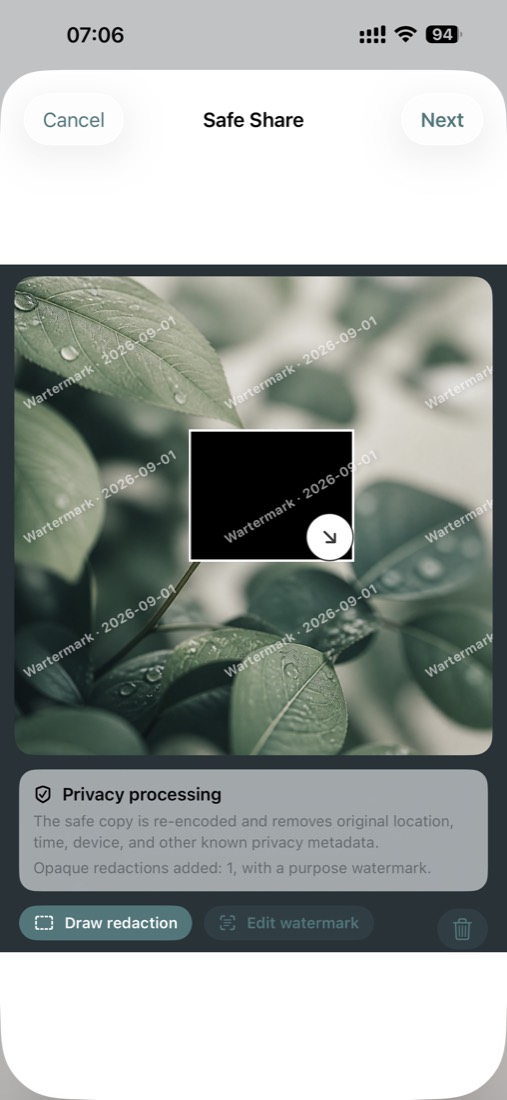
ON-DEVICECreate a new JPEG on-device, remove known metadata, add opaque redactions and apply a purpose watermark before sharing.
A SEARCH THAT STAYS PRIVATE
Sablefold recognizes visible text locally, so a receipt, note, label or sign can be found without sending your library to a search service.
BEFORE IT LEAVES YOUR HANDS
Safe Share gives you a final moment to remove known metadata, cover sensitive areas and explain the purpose of a shared image.
THE LOCAL MODEL
Sablefold is designed so the useful work happens on your device: local encryption, local recognition, and a local share copy.
No accountThere is no Sablefold identity to create or track.
No developer cloudSablefold does not upload your media to its own servers.
Your choices stay visibleImport, export, deletion and backup are explicit actions.
THE REST, WHEN YOU NEED IT
The essentials are here when the main three-part workflow is not enough.
An optional Decoy collection has its own code, keys, media, index and backups.
Cover content when the app leaves the foreground, with optional biometric unlock.
Create a passphrase-protected backup and choose where it goes.
A lifetime upgrade removes the 30-item limit in both collections. No subscription.
GOOD QUESTIONS
A few important boundaries, stated plainly.
No. Import first creates an encrypted copy. Sablefold only asks iOS to delete a locatable original after you explicitly confirm.
No. On-device text search covers photos and the still image of Live Photos. Standalone videos are not indexed.
It creates a safer JPEG copy by removing known metadata and adding your chosen redactions and watermark. Always review it; a recipient can still save, forward or capture a copy.
Sablefold cannot bypass or recover a lost access code or backup passphrase. Create an encrypted backup and keep the passphrase safe.
PRIVATE, WITHOUT THE FRICTION
A calmer home for the media you want to protect, find and share with care.